Plan and schedules
Start with your files. Connect to P6 when you are ready. Send it on to Fabric and Power BI.
Data and integrations
Drag in a file and see it as P6 saved it. Connect the rest when you are ready.
What you get
Short version first. Book a demo for the long one.
Schedules
5 things-
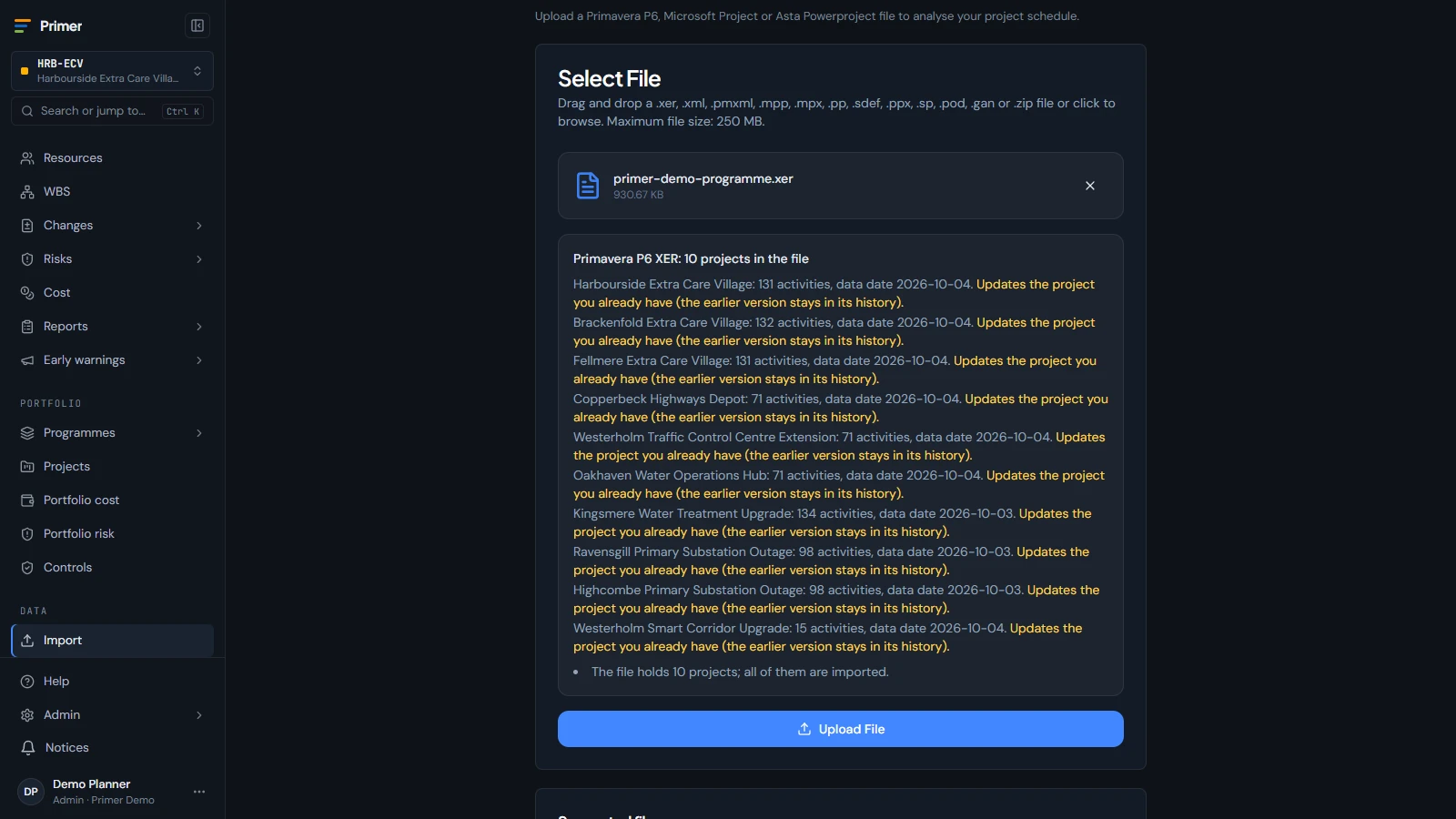
P6 and Microsoft Project files
Drag in a file and see it as P6 saved it.
-
Send it back to P6 Coming soon
An updated XER, with a change log, to import into P6.
-
Asta and more
More planning formats, same import screen.
-
P6 EPPM API
Pull projects and risks on a schedule.
-
P6 databases
Oracle, SQL Server and P6 Professional SQLite.
Cost and other data
2 things-
CSV and Excel loads
Actuals and commitments from your finance exports.
-
Import API
Send data in from your own tools and scripts.
Fabric and Power BI
2 things-
Primer for Fabric
Our Fabric and Power BI install in your own tenant, available today as a service.
-
Fabric connection
Field mapping and scheduled refresh from Primer Cloud.
Coming soon On its way. Book a demo to see it early.
Up close
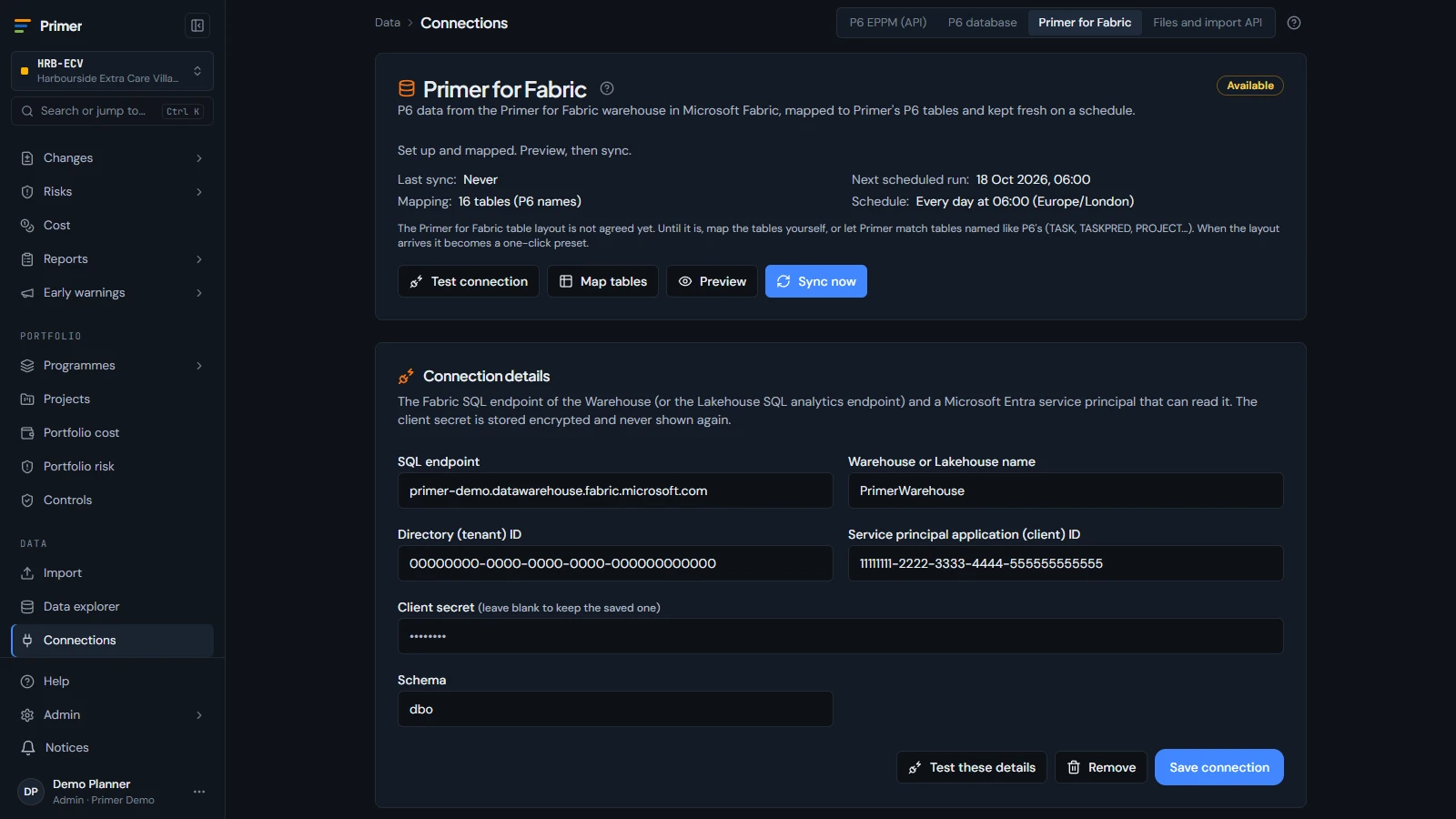
The Data > Connections screen with the Microsoft Fabric connection and its field mapping
One model
Every part of Primer uses the same links, from one activity to the whole portfolio. Nothing typed twice.
Ready when you are
No sign-up. Open a private copy of Primer in your browser. Or take 30 days free for 5 people.